

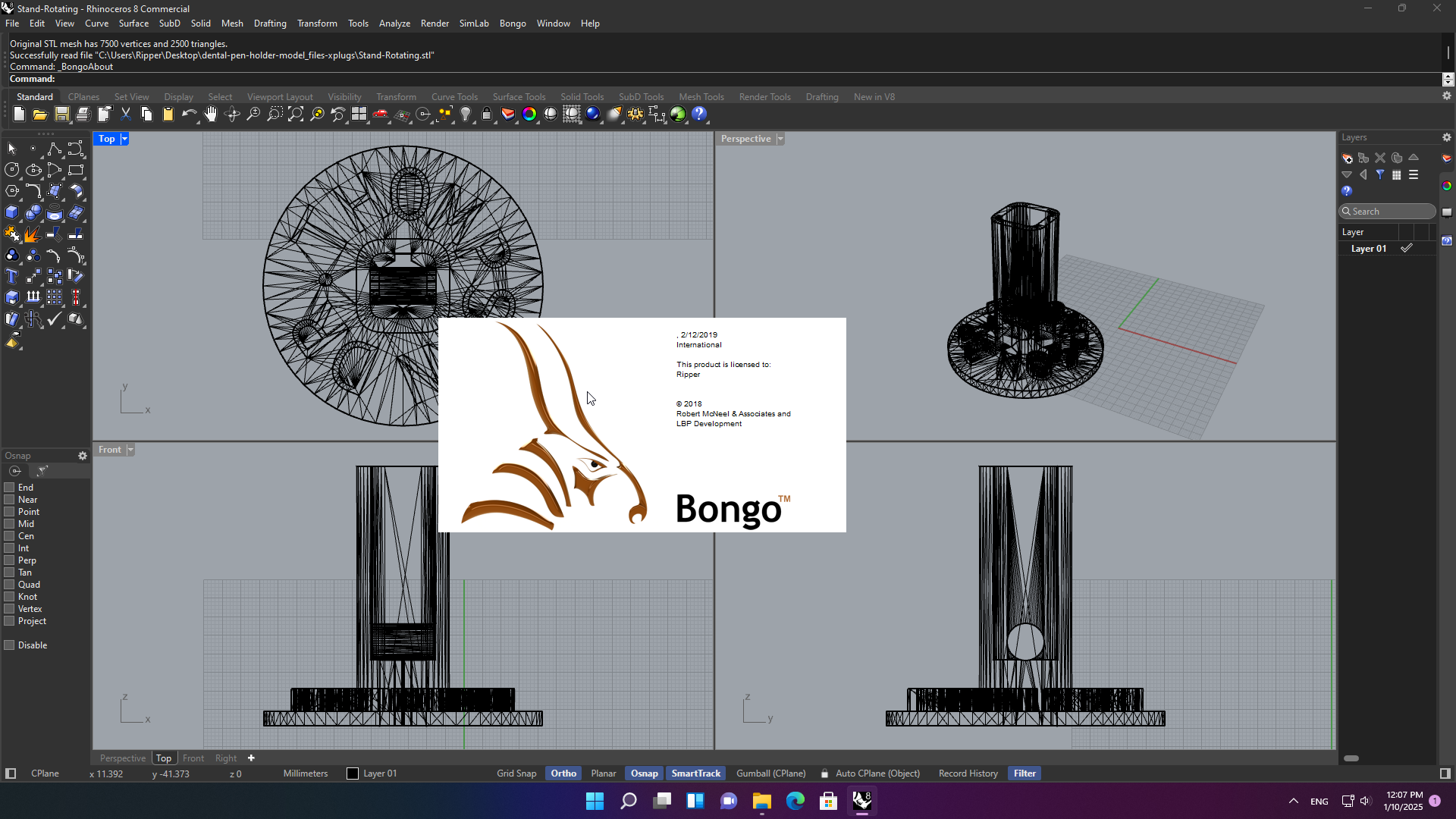
معرفی پلاگین Bongo 2
Bongo 2 یکی از قدرتمندترین و سادهترین پلاگینهای انیمیشنسازی برای نرمافزار Rhinoceros 3D (Rhino) است که توسط شرکت McNeel توسعه یافته است. این پلاگین به طراحان و مهندسان امکان میدهد تا بدون نیاز به خروجی گرفتن از Rhino و ورود به نرمافزارهای دیگر، انیمیشنهای حرفهای را مستقیماً در محیط Rhino ایجاد کنند.
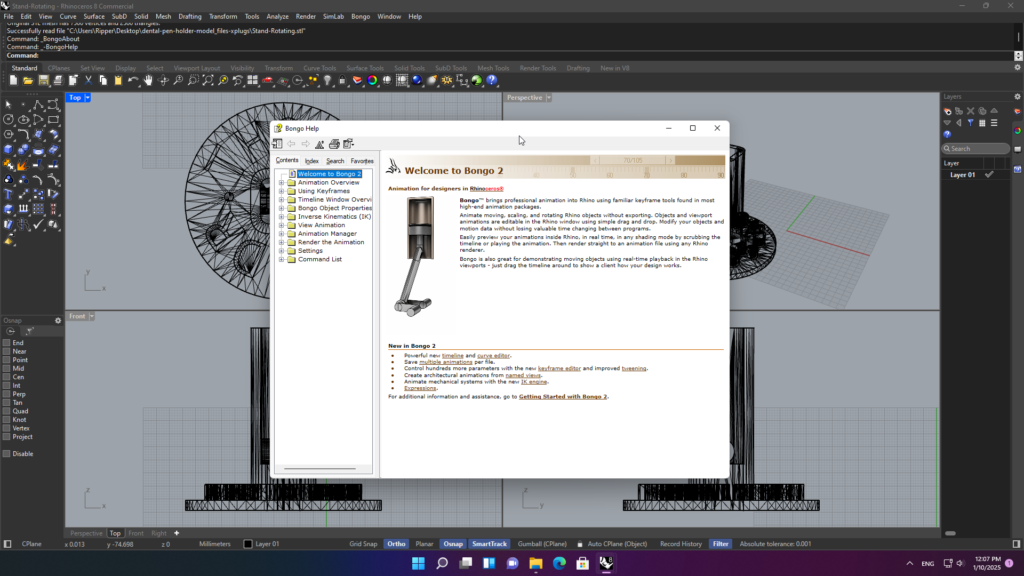
نسخه Bongo 2 که با نام Bongo 2.0 نیز شناخته میشود، یک بازنویسی کامل از نسخه اول است و با بهبودهای چشمگیری در زمینه جدول زمانی قابل بزرگنمایی (Zoomable Timeline)، ویرایشگر منحنی (Curve Editor)، موتور جدید Inverse Kinematics (IK) و پشتیبانی از Morphing عرضه شده است.
این پلاگین بهصورت فقط برای ویندوز در دسترس است و نسخه macOS ندارد. همچنین پشتیبانی از Rhino 8 با نکات خاصی همراه است که در ادامه به آن خواهیم پرداخت.
قابلیتهای اصلی Bongo 2
این پلاگین طیف گستردهای از قابلیتهای انیمیشنسازی را در اختیار کاربران قرار میدهد که مهمترین آنها عبارتند از:
انیمیشنسازی ساده و یکپارچه
- Drag-and-Drop: ایجاد انیمیشن با کشیدن و رها کردن اشیاء در محیط Rhino
- پیشنمایش بلادرنگ: مشاهده انیمیشن در زمان واقعی در هر حالت نمایش (Shading Mode)
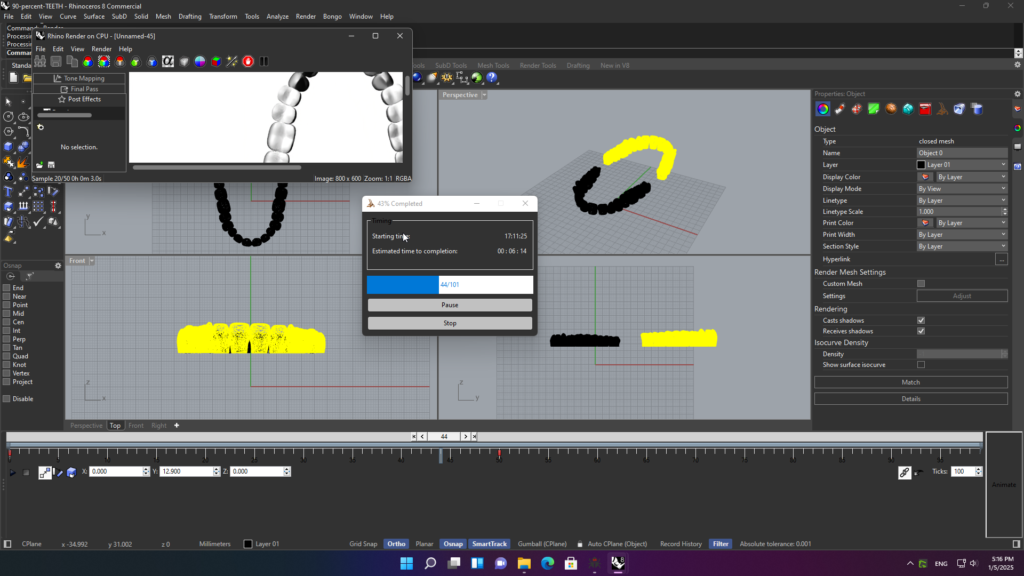
- رندرینگ به ویدئو: خروجی انیمیشن به ویدئو با استفاده از هر رندرر سازگار با Rhino
- ذخیره دادهها در فایل 3dm: تمام دادههای انیمیشن همراه با فایل 3dm ذخیره میشوند و نیازی به واردات/صادرات جداگانه نیست
ویژگیهای جدید در نسخه ۲
- جدول زمانی قابل بزرگنمایی (Zoomable Timeline): کنترل دقیقتر بر روی فریمهای کلیدی و بازههای زمانی
- ویرایشگر منحنی (Curve Editor): کنترل پیشرفته بر روی Tweening و شتاب/سرعت انیمیشن
- موتور Inverse Kinematics (IK): ساخت سیستمهای مکانیکی و شبیهسازی حرکت مفاصل
- Morphing: تبدیل تدریجی شکل اشیاء به یکدیگر
- انیمیشنهای چندگانه: امکان ذخیره چندین انیمیشن مختلف در یک فایل
- کنترل پارامترهای بیشتر: انیمیشنسازی برای مواد، محیط، بافتها، سایهبانها و بسیاری پارامترهای دیگر
- انیمیشن لایهها: امکان انیمیشنسازی برای لایههای مختلف
- انیمیشن نمای دوربین (Named Views): ایجاد انیمیشنهای معماری از نماهای نامگذاریشده
- مطالعات خورشیدی (Sun Studies): شبیهسازی حرکت خورشید در طول زمان
- بافتهای ویدئویی: امکان استفاده از ویدئو بهعنوان بافت روی اشیاء
ابزارهای کنترل و ویرایش
- ویرایشگر Keyframe جدید: ویرایش و مدیریت آسان فریمهای کلیدی
- کنترلکنندههای شیء: استفاده از اشیاء کنترلکننده برای مدیریت انیمیشن
- محدودیتها (Constraints): محدود کردن حرکت اشیاء به منحنیها یا وادار کردن آنها به نگاه کردن به اشیاء دیگر
- رابط قابل اتصال (Dockable Interface): چیدمان دلخواه پنلهای نرمافزار
خروجی و رندرینگ
- رندرینگ به فریمهای جداگانه یا AVI: خروجی به فرمتهای مختلف ویدئویی
- پشتیبانی از فرمتهای جدید ویدئو: در نسخه ۲
سازگاری و نصب
سیستمعامل و نسخههای Rhino: Bongo 2 بهصورت فقط برای ویندوز در دسترس است و از Rhino 5 تا Rhino 8 پشتیبانی میکند.
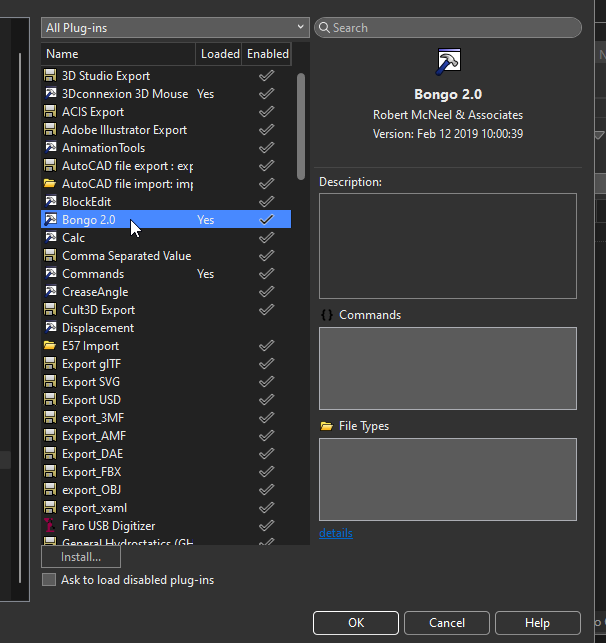
نصب بر روی Rhino 8: کاربران ممکن است پس از نصب، ابزارهای Bongo را در Rhino 8 نبینند. برای رفع این مشکل، میتوان دستور _MigratePlugIns را در Rhino اجرا کرد و هر دو پلاگین Bongo را انتخاب کرد، یا بهصورت دستی فایلهای Bongo.20.rhp و BongoUI.20.v60.rhp را از مسیر نصب Bongo در Rhino 8 بارگذاری کرد.
نوار ابزار Rhino 8: نوار ابزار Bongo 2 که با نرمافزار نصب میشود برای Rhino 7 طراحی شده است. برای Rhino 8 باید نوار ابزار سازگار را از انجمن McNeel دانلود و بارگذاری کنید.
سیستم مورد نیاز پیشنهادی:
- CPU: ۶۴ بیتی Intel یا AMD (پشتیبانی از ARM وجود ندارد)
- RAM: حداقل ۸ گیگابایت (۱۶+ گیگابایت توصیه میشود)
- GPU: کارت گرافیک با پشتیبانی OpenGL 4.1 و حداقل ۴ گیگابایت VRAM
- سیستمعامل: ویندوز ۱۰ یا بالاتر
مزایای استفاده از Bongo 2
- ✅ ایجاد انیمیشنهای حرفهای مستقیماً در محیط Rhino بدون نیاز به نرمافزار جداگانه
- ✅ پیشنمایش بلادرنگ انیمیشن در هر حالت نمایشی
- ✅ قابلیت Morphing برای تبدیل تدریجی اشیاء
- ✅ موتور Inverse Kinematics برای ساخت سیستمهای مکانیکی پیچیده
- ✅ انیمیشنسازی برای پارامترهای مختلف شامل مواد، محیط، بافتها و لایهها
- ✅ صرفهجویی در زمان با حذف فرآیندهای خروجی/ورودی بین نرمافزارها
- ✅ ذخیره دادههای انیمیشن همراه با فایل 3dm
- ✅ مناسب برای طراحان صنعتی، معماران، مهندسان مکانیک و انیماتورهای CAD
Introducing Bongo 2 Plugin
Bongo 2 is one of the most powerful and simplest animation plugins for Rhinoceros 3D (Rhino), developed by McNeel. This plugin enables designers and engineers to create professional animations directly within the Rhino environment without exporting to other software.
Version Bongo 2, also known as Bongo 2.0, is a complete rewrite of the first version with significant improvements in Zoomable Timeline, Curve Editor, a new Inverse Kinematics (IK) engine, and Morphing support.
This plugin is available only for Windows and has no macOS version. Support for Rhino 8 comes with specific considerations, which will be discussed below.
Main Features of Bongo 2
This plugin offers a wide range of animation capabilities to users, the most important of which include:
Simple & Integrated Animation
- Drag-and-Drop: Create animations by dragging and dropping objects in Rhino
- Real-Time Preview: View animations in real-time in any shading mode
- Render to Video: Output animations to video using any Rhino-compatible renderer
- Data Saved in 3dm File: All animation data is saved with the 3dm file, no separate import/export needed
New Features in Version 2
- Zoomable Timeline: More precise control over keyframes and time ranges
- Curve Editor: Advanced control over Tweening and animation easing
- Inverse Kinematics (IK) Engine: Build mechanical systems and simulate joint movement
- Morphing: Gradually transform the shape of objects into each other
- Multiple Animations: Store multiple different animations in one file
- More Parameter Control: Animate materials, environment, textures, shaders, and many other parameters
- Layer Animation: Animate different layers
- Named Views Animation: Create architectural animations from named views
- Sun Studies: Simulate sun movement over time
- Video Textures: Use video as textures on objects
Control & Editing Tools
- New Keyframe Editor: Easy keyframe editing and management
- Object Controllers: Use controller objects for animation management
- Constraints: Limit object movement to curves or force them to look at other objects
- Dockable Interface: Custom layout of software panels
Output & Rendering
- Render to Separate Frames or AVI: Output to various video formats
- Support for New Video Formats: In version 2
Compatibility & Installation
Operating System and Rhino Versions: Bongo 2 is available only for Windows and supports Rhino 5 through Rhino 8.
Installation on Rhino 8: Users may not see Bongo tools in Rhino 8 after installation. To fix this, run the _MigratePlugIns command in Rhino and select both Bongo plugins, or manually load Bongo.20.rhp and BongoUI.20.v60.rhp files from the Bongo installation path in Rhino 8.
Rhino 8 Toolbar: The Bongo 2 toolbar installed with the software is designed for Rhino 7. For Rhino 8, you need to download and load the compatible toolbar from the McNeel forum.
Recommended System Requirements:
- CPU: 64-bit Intel or AMD (ARM support not available)
- RAM: Minimum 8 GB (16+ GB recommended)
- GPU: Graphics card with OpenGL 4.1 support and at least 4 GB VRAM
- Operating System: Windows 10 or higher
Benefits of Using Bongo 2
- ✅ Create professional animations directly in Rhino without separate software
- ✅ Real-time animation preview in any display mode
- ✅ Morphing capability for gradual object transformation
- ✅ Inverse Kinematics engine for complex mechanical systems
- ✅ Animate various parameters including materials, environment, textures, and layers
- ✅ Time savings by eliminating export/import processes between software
- ✅ Animation data saved with 3dm file
- ✅ Suitable for industrial designers, architects, mechanical engineers, and CAD animators


Obrigado